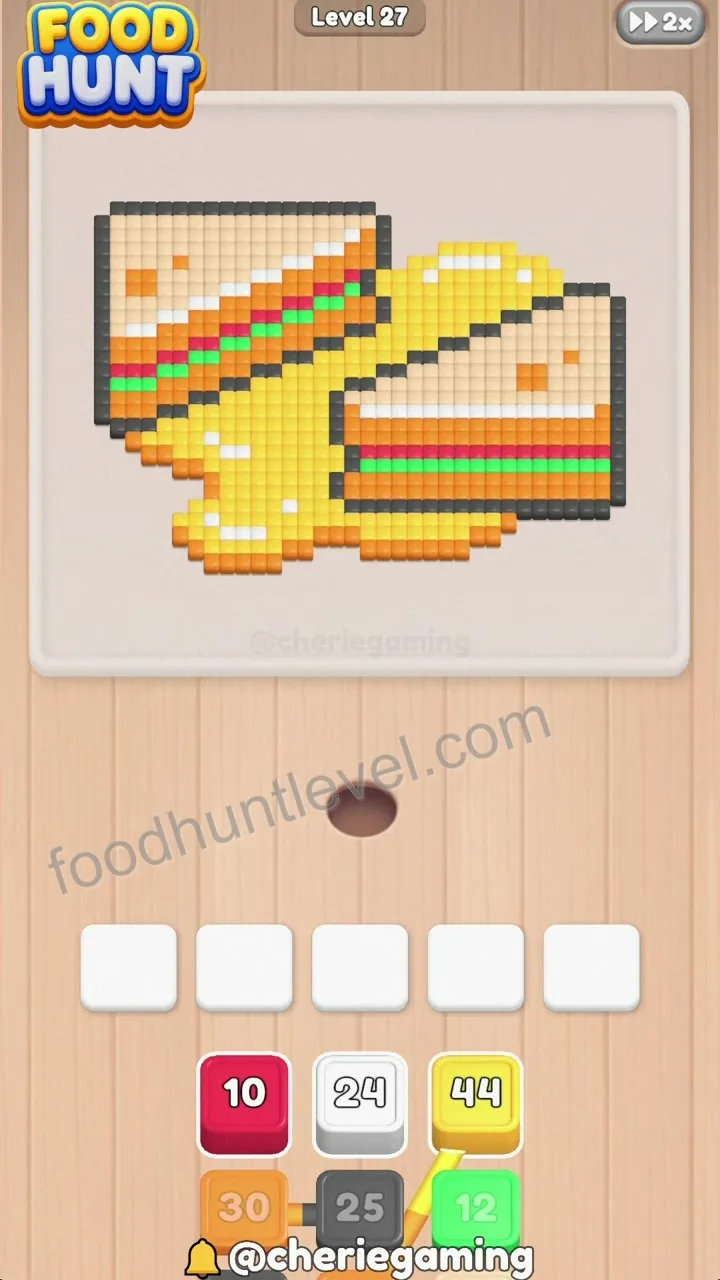
Step 1
Initial board state showing the sandwich pixel art with multiple ant groups and holding slots available below.
Walkthrough and solution
Need help with Food Hunt: Pixel Puzzle Level 27? Compare the board version, watch the walkthrough, and follow the available step-by-step solution.
Puzzle snapshot
Tap the available ant groups to match and eat the corresponding pixel food colors, utilizing holding slots efficiently as new colors appear.
Initial board state showing the sandwich pixel art with multiple ant groups and holding slots available below.
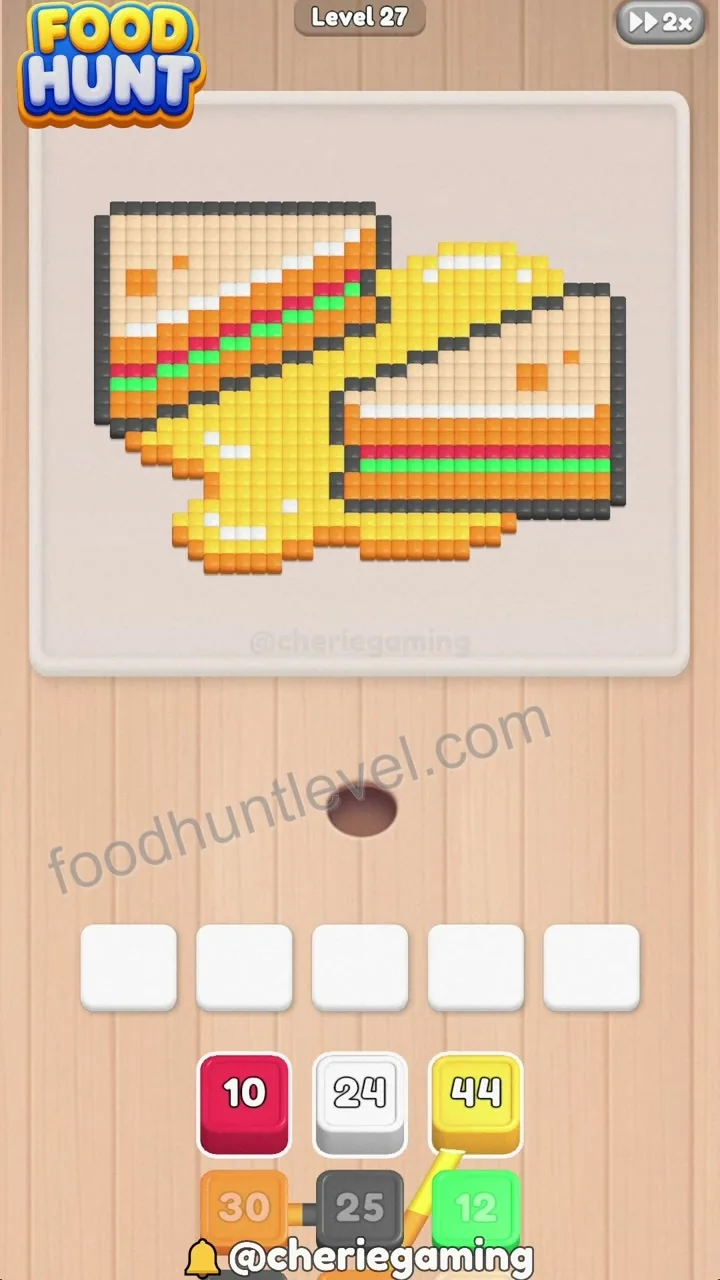
Select the white ant group to clear the matching white pixels.
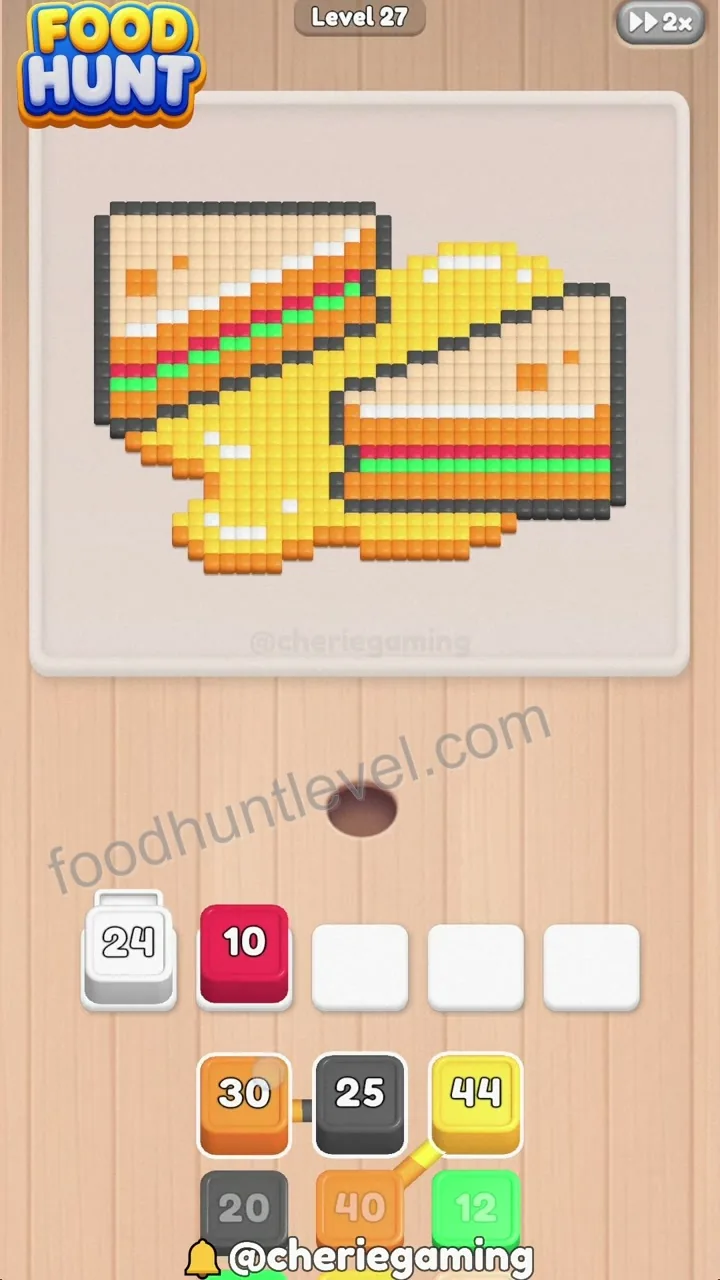
Deploy the red ant group to clear the corresponding red food pixels.
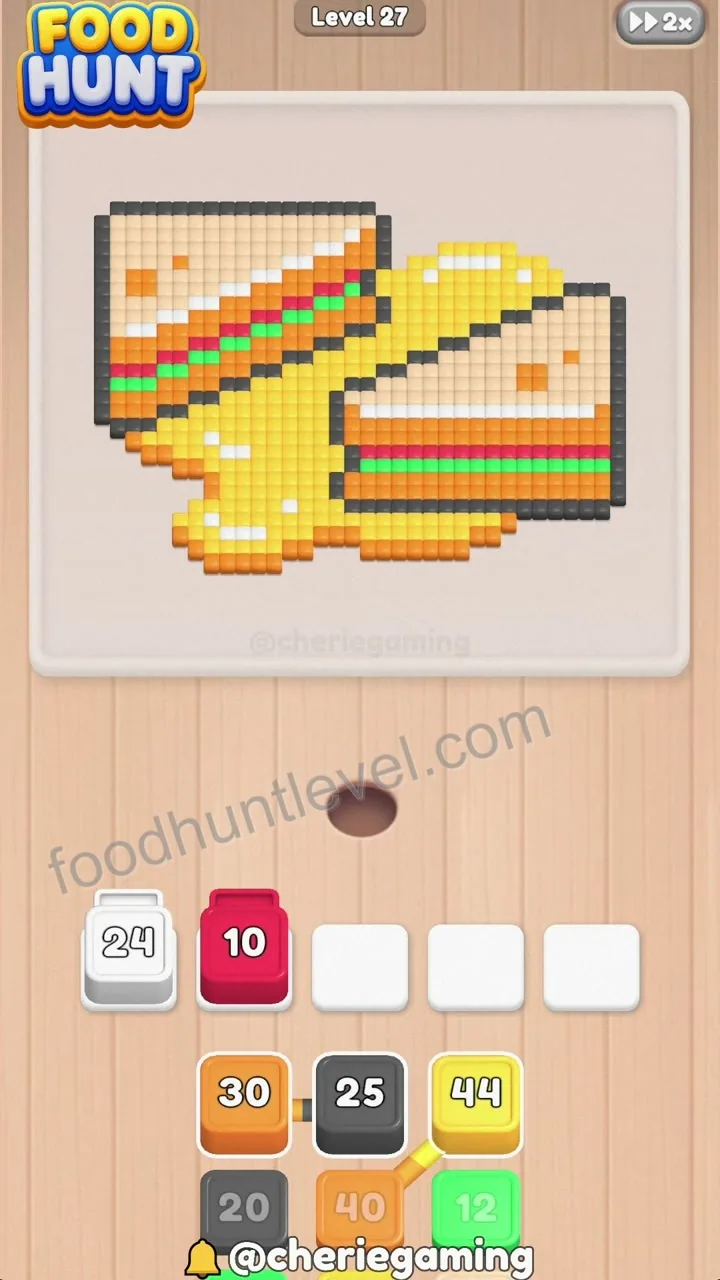
Activate the orange ant group to consume the large orange pixel area.
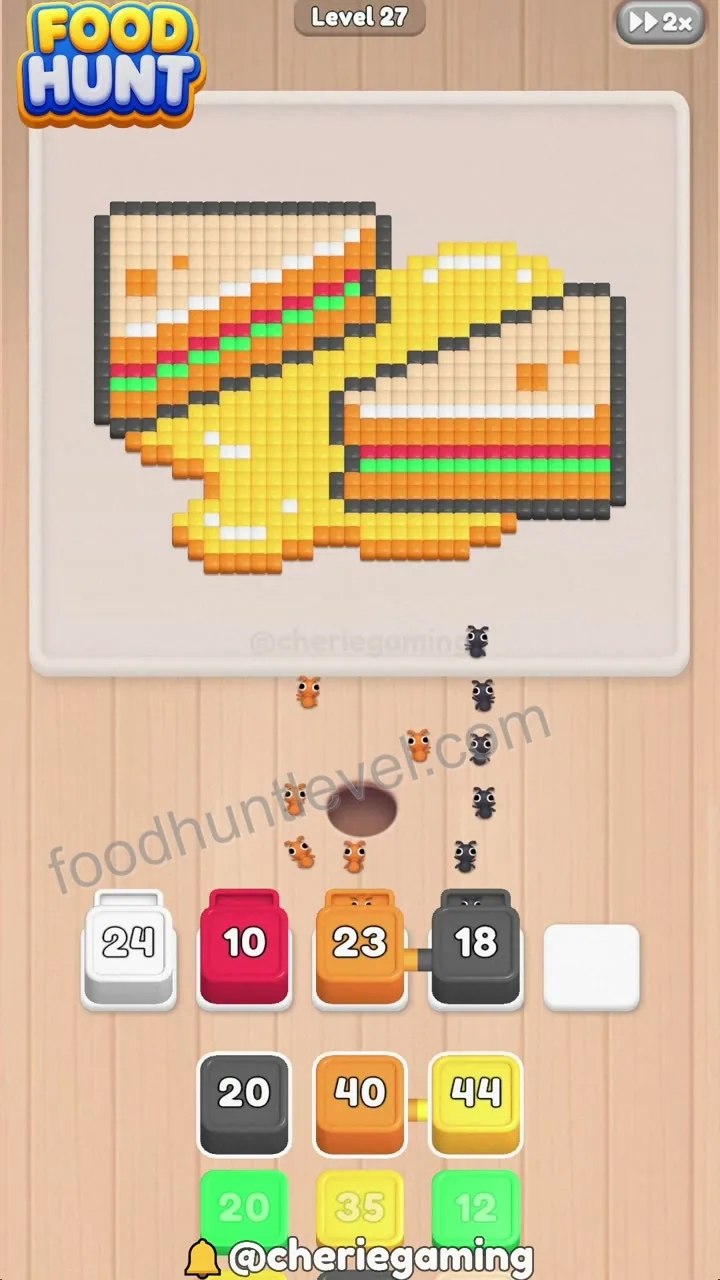
Use the dark gray/black ant group to clean up matching dark pixel sections.
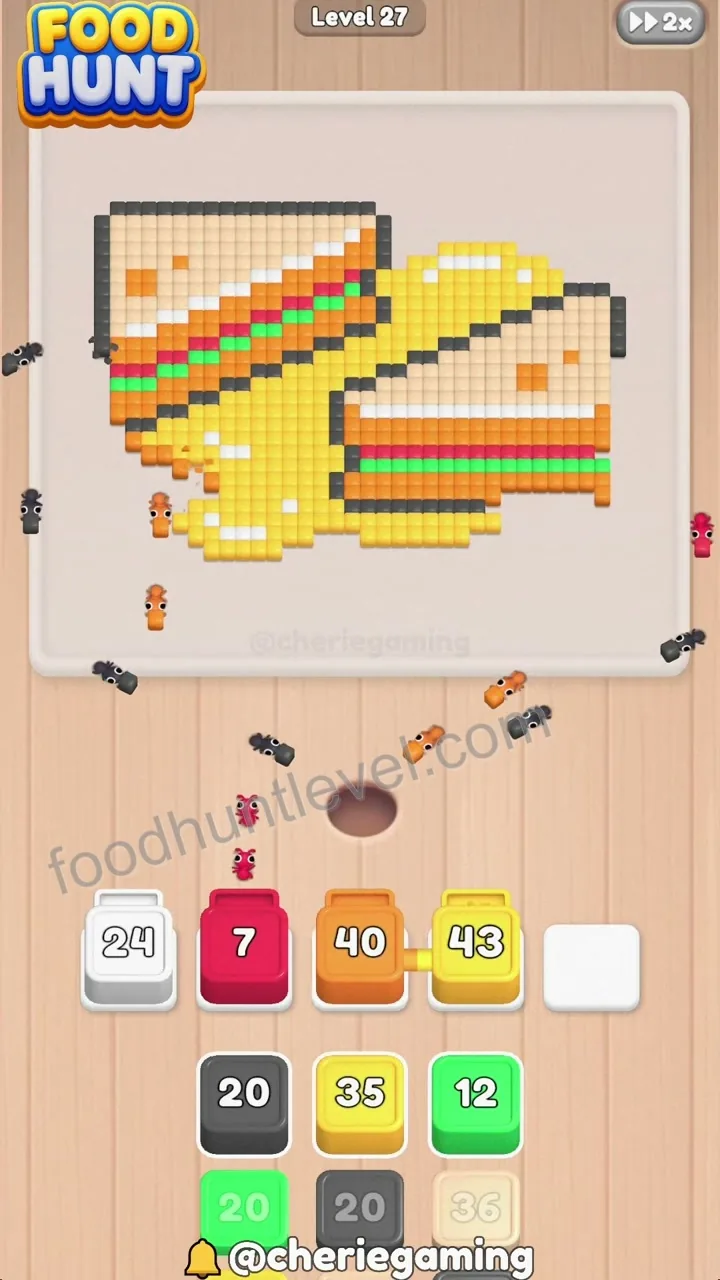
Release the next batch of ant groups including yellow and white to continue consuming pixel food.
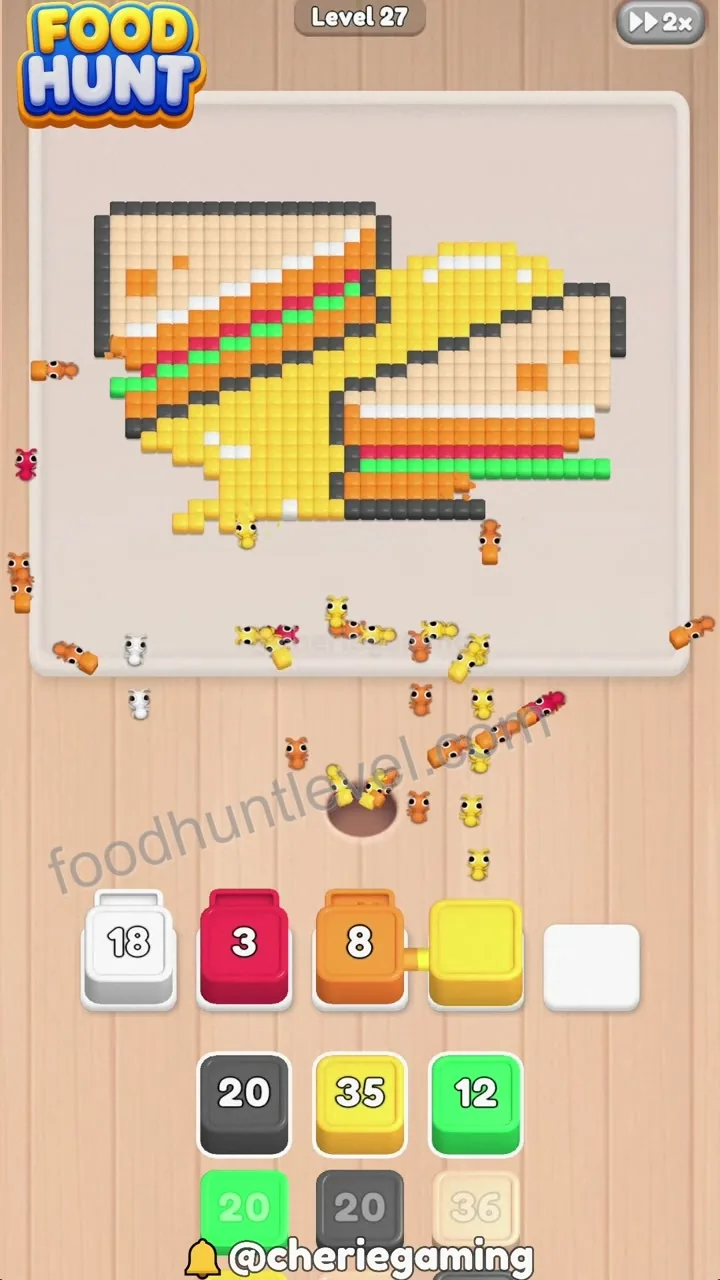
Deploy the final remaining ant groups to clear out all remaining food pixels and complete the level.
Player discussion
Share a board-specific tip, report a version mismatch, or ask another player about this level.
Your display name, comment, and optional image are public. Do not enter an email address or sensitive information.
No comments yet
Start a useful discussion about this level.